First steps

Take your seat.

From the first launch to your first sentence: who you are asked to be, what you agree to, and what you can switch off again. It takes a few minutes, and nothing here is a test.

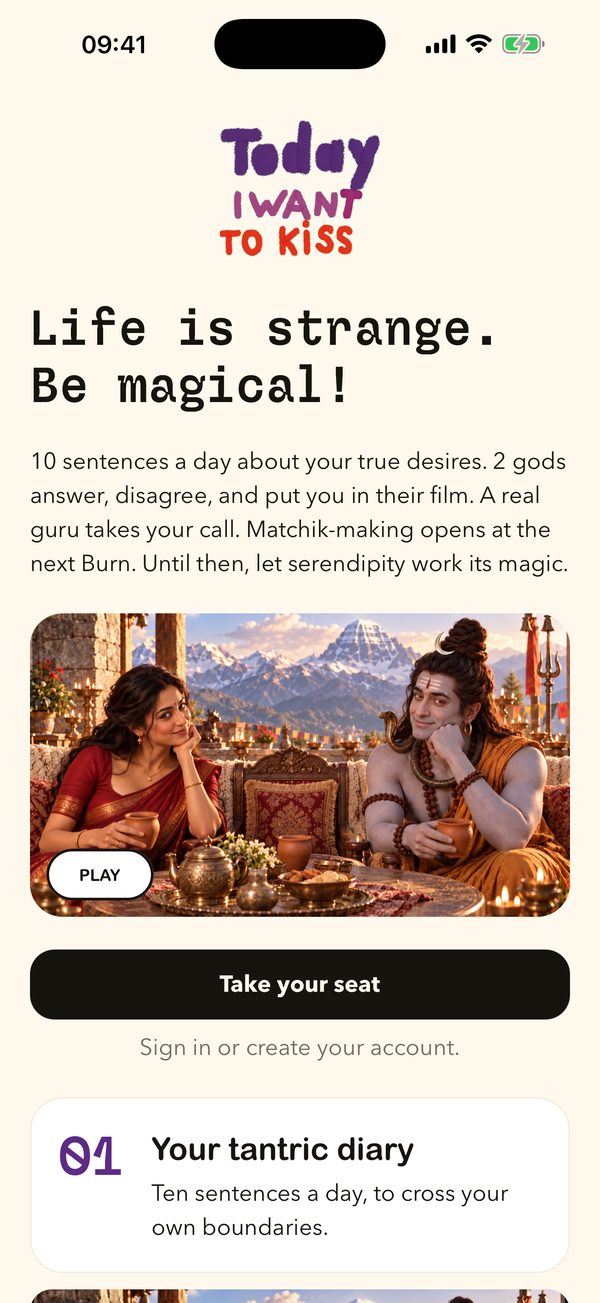
The welcome screen with the film and the button Take your seat
WELCOME

Step by step

What happens the first time.

In this order, exactly as the app does it.

1 OF 6

The welcome.

The app opens on “Life is strange.” and a second line that keeps changing its mind: Be magical! Be the serpent! Wear more glitter! Karma is an illusion! Below it, Shiva and Parvati have tea with the guru, and six cards show what is inside: the diary, the two gods, the guru, the yogi game, the matchmaking and the course. Every card has its own short film. The button says Take your seat.

Shiva, Parvati and the guru at tea on the mountain

2 OF 6

Sign in.

With Google, with Apple, or with your email and a confirmation code. The app never takes your name from Google or Apple. You choose what you are called, a moment later.

3 OF 6

The spell.

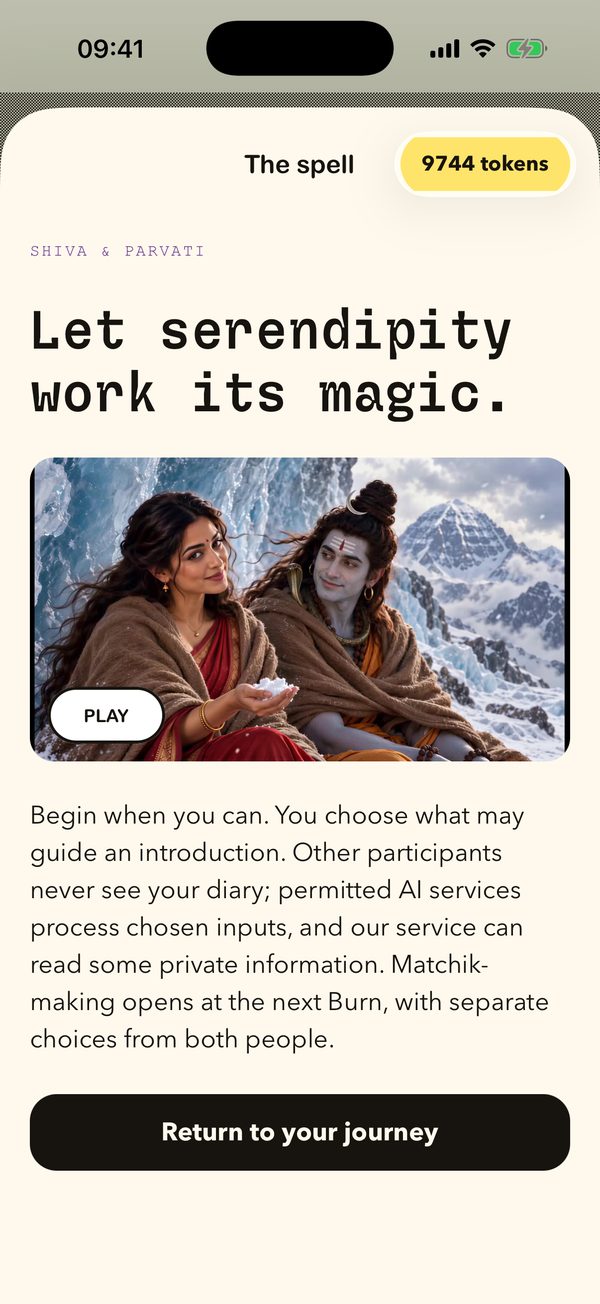
Before anything else, Shiva and Parvati explain the deal in a short film. The months before the Burn are yours: write ten sentences a day, talk with them, notice what keeps returning. Other people never see your diary, your private reflections, or the comparisons behind an introduction. And Parvati says the part most apps leave out: “Privacy also means knowing what happens.” Permitted AI services process what you choose to send them.

The spell: Let serendipity work its magic

4 OF 6

Your choices, once.

You give a first name and your birth year (adults only, 18 and over). Then one page with every choice in plain words, each with its own switch: private threads, whether those threads may inform the gods or help introductions, whether you will be at the Burn, whether you allow introductions, notifications. Most start on. The Burn and introductions start off until you switch them on. You can change all of it later in Settings. If you do not accept the agreement, the app says so plainly: then it cannot work for you.

5 OF 6

Let us meet you.

New accounts tell the app about themselves: at least three minutes of your own voice, about anything, and one photo. There is no performance to get right. You can pause, listen back and record again. Saving them does not send them to an AI, does not create a voice copy, and does not switch on matching.

6 OF 6

Your diary opens.

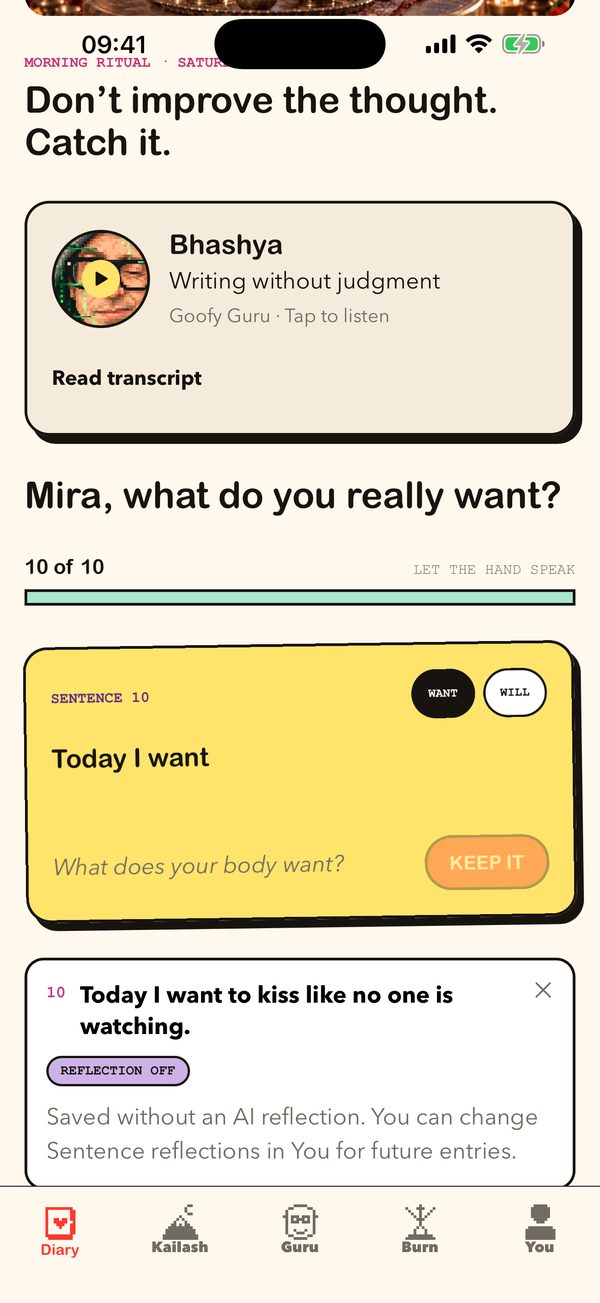
That is the first tab, and the first thing you see every morning from now on: “Don’t improve the thought. Catch it.” How the diary works →

The diary screen

Go deeper

Where to next.